You can create a Shortcut by long-pressing the cloned app icon and selecting 'Desk Icon.
You'll be asked to choose a custom icon and name for your shortcut, but this is optional.
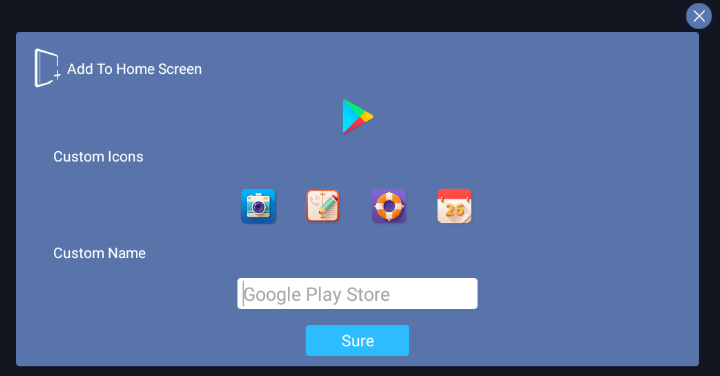
Once you tap 'Sure' the shortcut should appear on your device's home screen. Navigate there to see if it was created successfully.
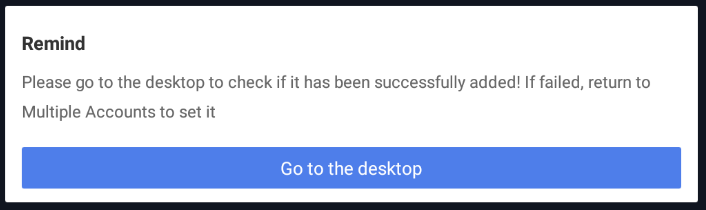
If you can't make a shortcut by long-pressing the app icon in 2Accounts App and tapping 'Desktop', you may need to enable permission. Go to Settings > Apps > 2Accounts App and look for settings related to creating home screen shortcuts.
If there are no Shortcut-related or Home Screen settings available, your device may not allow third-party apps to create shortcuts.